Back To Projects
Back To Projects

Splitwise

Enhancing Splitwise Premium Conversions with Redesigned Plans and a Referral Program

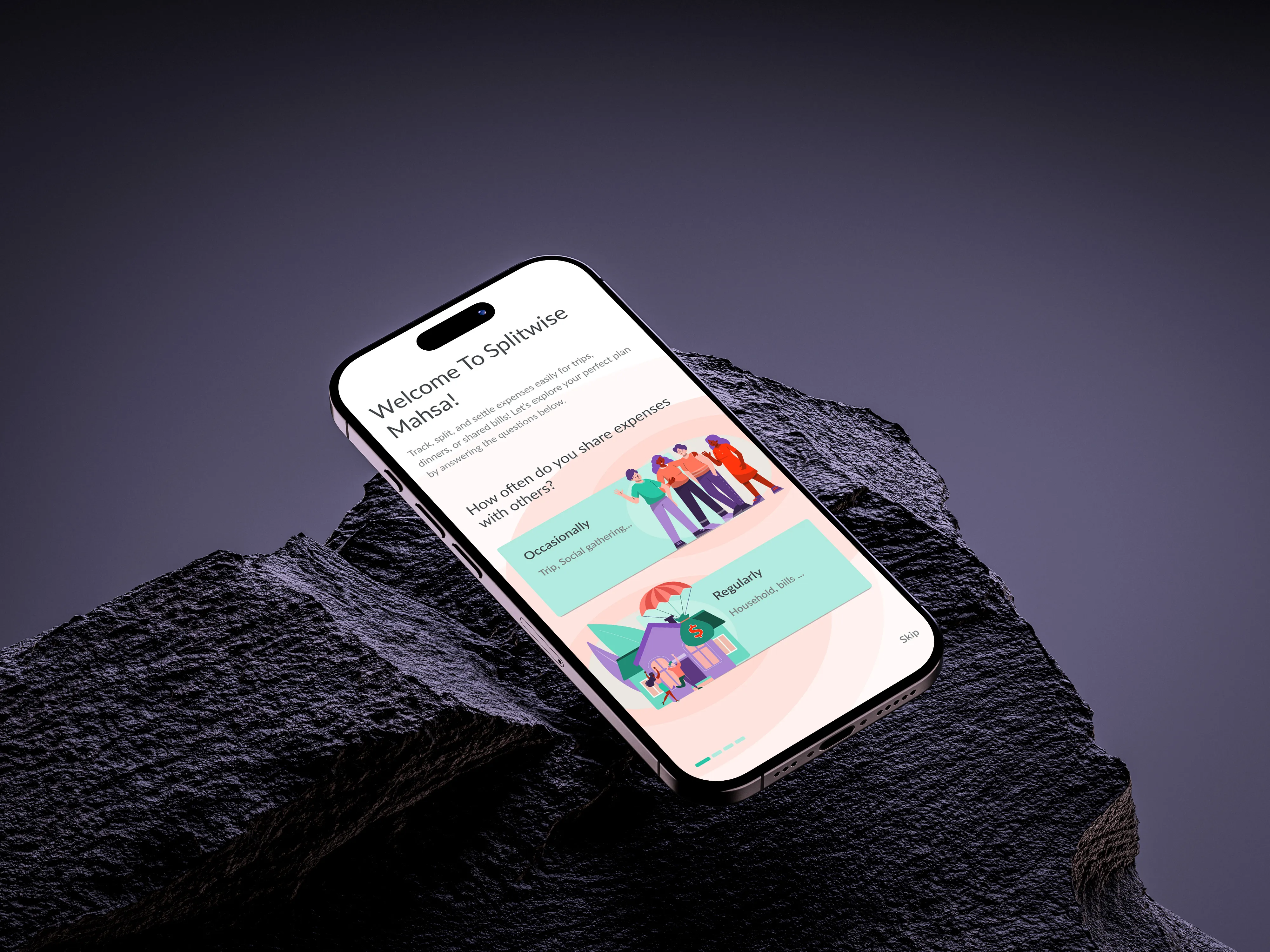
Onboarding page splitwise
Purpose

Enhancing Splitwise Premium Conversions with Redesigned Plans and a Referral Program

Icon, Focus
MY ROLE

Research, Prototyping, Interaction & Visual Designer

Icon, Laptop
TOOLS

Figma, FigJam, ChatGPT, Freepik,
Adobe Illustrator

Icon, Working Methods
Type of work

Case Study · FinTech

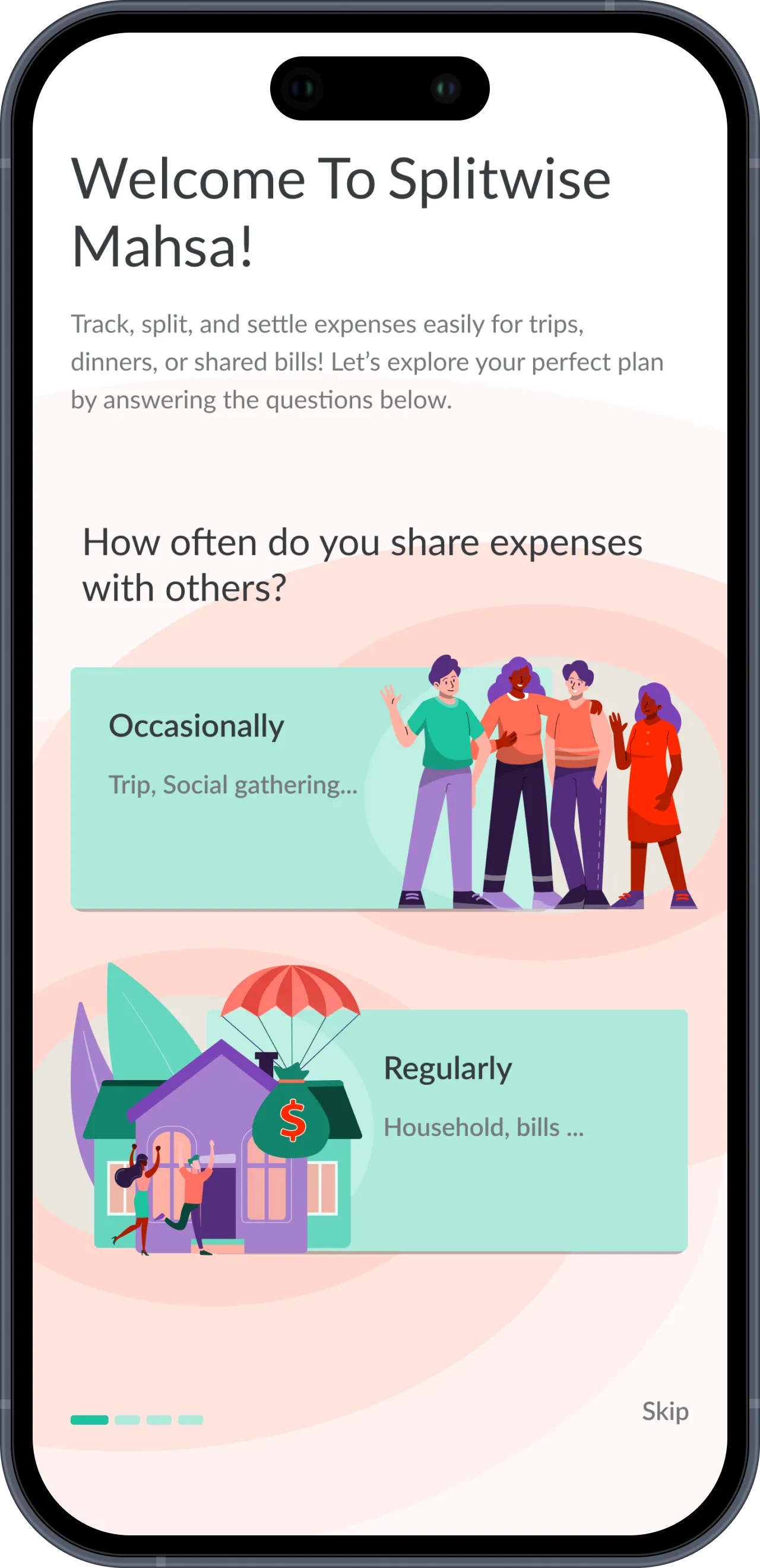
Splitwise, onboarding page
What is Splitwise?

Splitwise is a financial app designed to simplify expense tracking and cost-sharing among friends, family, or roommates. It allows users to easily split bills, track shared expenses, and settle balances, whether for group trips, household expenses, or casual outings. With features like automatic calculations, reminders for payments, and integrations with payment platforms, Splitwise ensures transparency and convenience in managing shared finances.

The Problem Statement

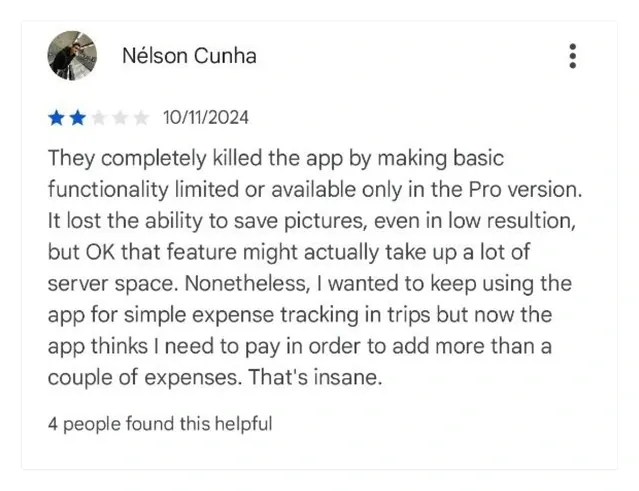
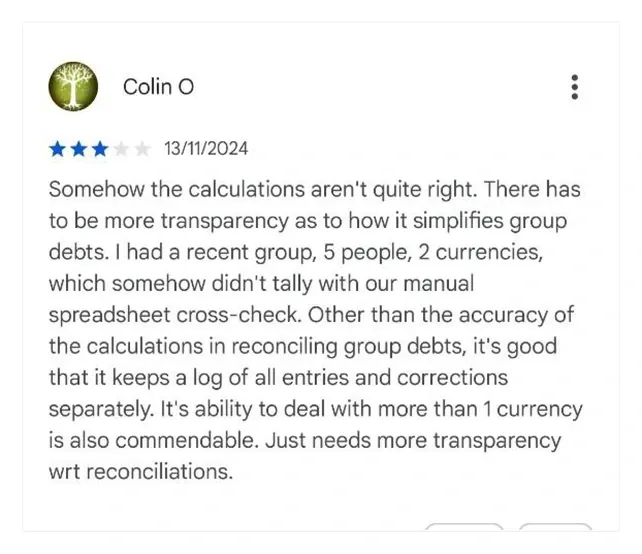
The freemium version of SplitWise imposes significant limitations, such as restricting users to only three expenses per day. Additionally, the premium offering is presented in a way that feels intrusive, discouraging users from upgrading and leading to a decline in conversion rates.

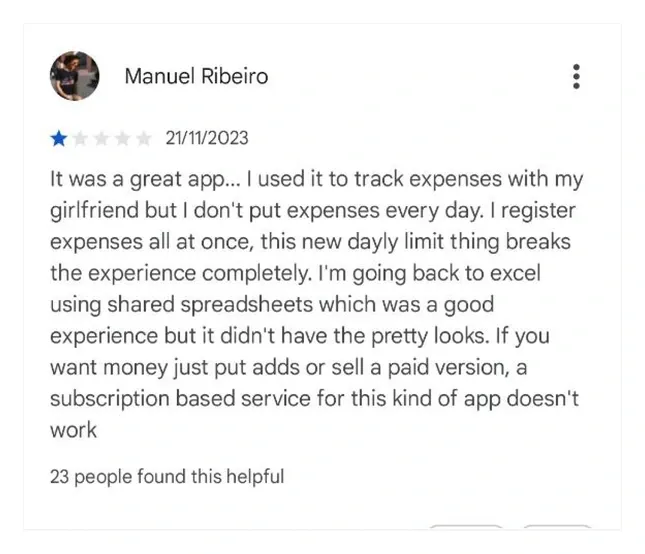
desk research screen shot
desk research screen shot, Manual
desk research screen shot, Nelson
desk research screen shot, Colin
Persona

Who are the target user groups for Splitwise?

SplitJourney Photo
SplitJourney

A young traveler who uses this app to split expenses with friends 2-3 times a year.

My pain points

I use Splitwise for group trips, but the four-expenses-per-day limit is frustrating for me and my friends. Since I only travel a few times a year, I don’t see the value in paying for a monthly subscription for something I rarely use.

SplitMates Photo
SplitMates

Couple that use splitwise to share living expenses together and see all their expenses.

My pain points

The most problem is manually entering process like typing that is time-consuming. Busy schedule forces us to enter every 2 or 3 days so sometimes we miss some items.

SplitBuddy Photo
SplitBuddy

A group who uses this app for gatherings and buying gifts for special occasions.

My pain points

When i have to send repeatedly payment reminder without seeing payment status of others is annoying for me since in some groups; we are not really close with each other so can not trust completely.

Real stories from Real users

What Makes Conversion So Challenging?

To gain deeper insights into user behavior, we conducted six in-depth interviews that revealed personal experiences, key pain points, and opportunities to
improve conversion rates.

Interview 1

"The app doesn’t give much guidance on how to use advanced features; I often have to figure it out myself."

"The Pro version page keeps popping up, but I don’t really know what features it offers, and I haven’t found a reason to upgrade yet."

Interview 2

"I hate that there are limits on logging expenses; it’s such a basic need for group spending."

I’m only travelling once per year, it doesn’t make sense to pay a subscription every month

Key Patterns
Conversion Rate Challenges

After analyzing the data from our interviews, we identified recurring themes and patterns, which allowed us to uncover the primary insights and challenges highlighted by the participants.

Premium icon

The current packaging of the premium features is not aligned with a large user group

Summeries Icon

Managing group debts becomes confusing without clear summaries.

Managing icon

Managing group debts becomes confusing without clear summaries.

Search icon

Users have difficulty finding advanced features or guidance.

Competitive Analysis
Gaps and Opportunities in Expense Apps

After analyzing competitors in the expense-sharing app market, key trends and opportunities emerge. Apps like Tricount and Splid offer features like multiple currencies, categorized expenses, and Excel export but lack default expense options and bank connections. Settle Up and Buddy stand out with tools like receipt-based auto-filling and basic budgeting, but have limitations in notifications and data entry.Premium plans often include offline access, advanced reporting, and receipt integration, but there are gaps in seamless payments and advanced OCR/STT technologies. This points to opportunities for innovation in automation, recurring expense management,
and a better payment reminder system.


Settle up Logo
Settle up
Splid icon
Splid
Tricount icon
tricount
buddy icon
Buddy
HMW
How to reach that?

How might we help travelers use Splitwise efficiently to meet all their needs and enhance their trip experience while encouraging them to use premium plan?

By adding a “Flexi Group Plan” plan → Allows travelers to access premium features without committing long-term.Simplifying Reminder Setup →
for group members to pay their split

How might we improve the Splitwise experience for couples sharing expenses so they see more value in upgrading to premium?

Customized onboarding pages with unique characters for different personas → Tailors the experience for couples, highlighting relevant premium benefits.Customized messaging/icons → Creates a more relatable and intuitive experience, increasing perceived value.

How might we make it easier for students to understand premium features and recognize their value in order to encourage them to subscribe to the premium plan?
Special plan (with discount) → for students on premium planThe Referral Link feature
→ Encourages students to invite friends and get benefits, increasing adoption.

From Ideation to Prototyping

Final Design

Onboarding pages

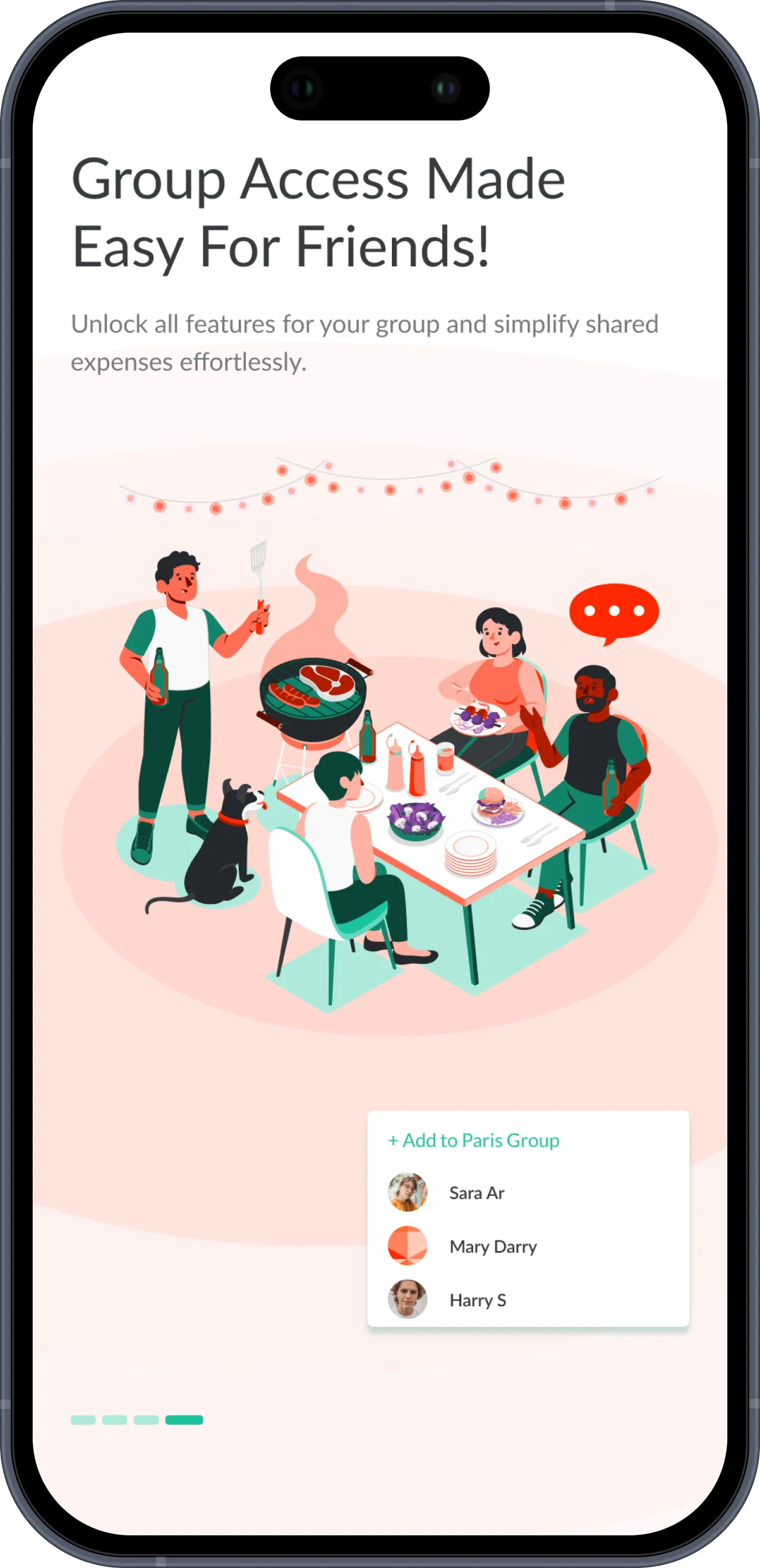
Onboarding pages are now categorized by user purpose, with tailored UX writing for each plan and unique illustrations that showcase the distinct features of every option.

Onboarding screen 01
Onboarding screen 02
Onboarding screen 03
Flexible Pro Packages, Designed for Each Persona

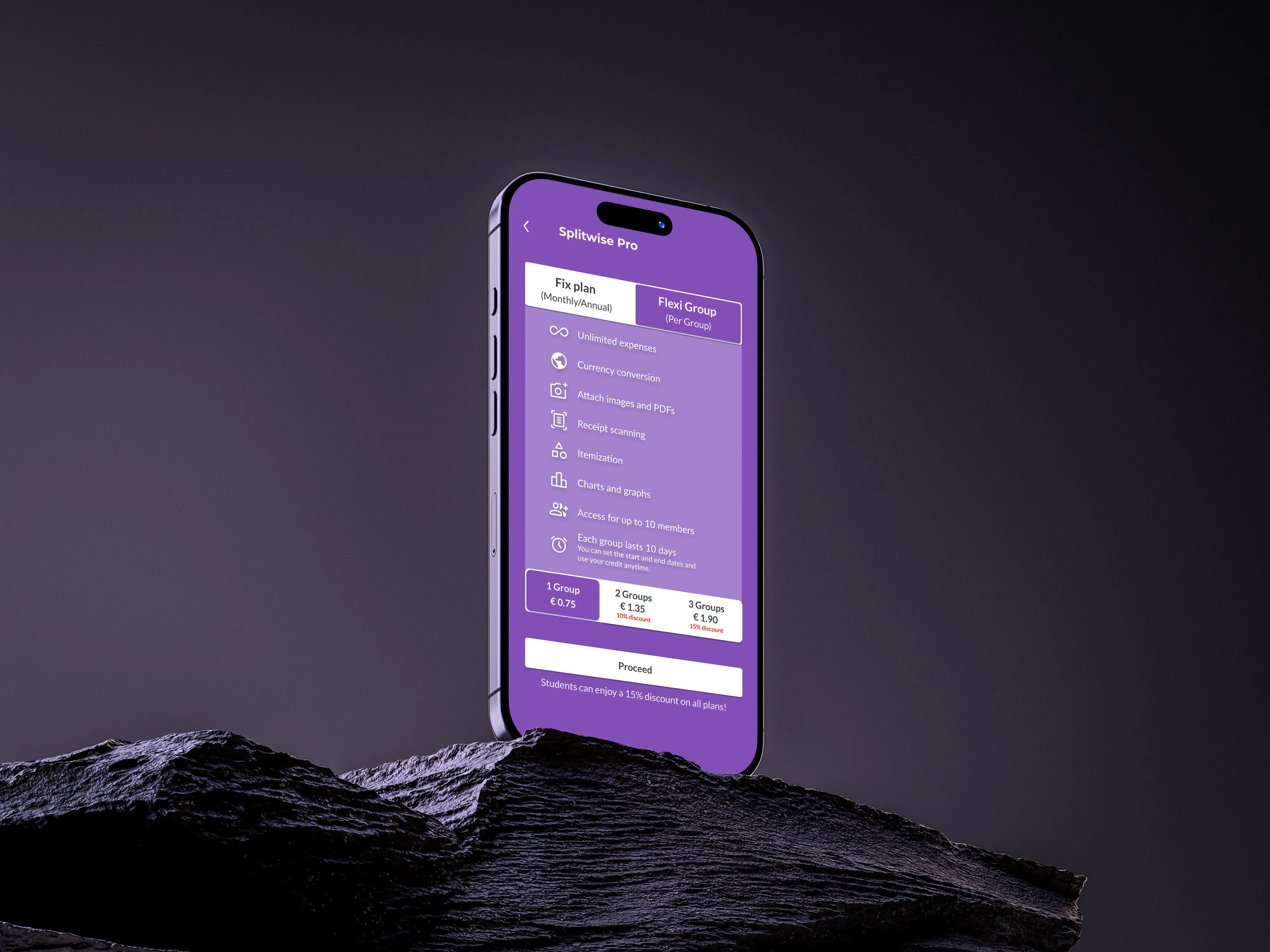
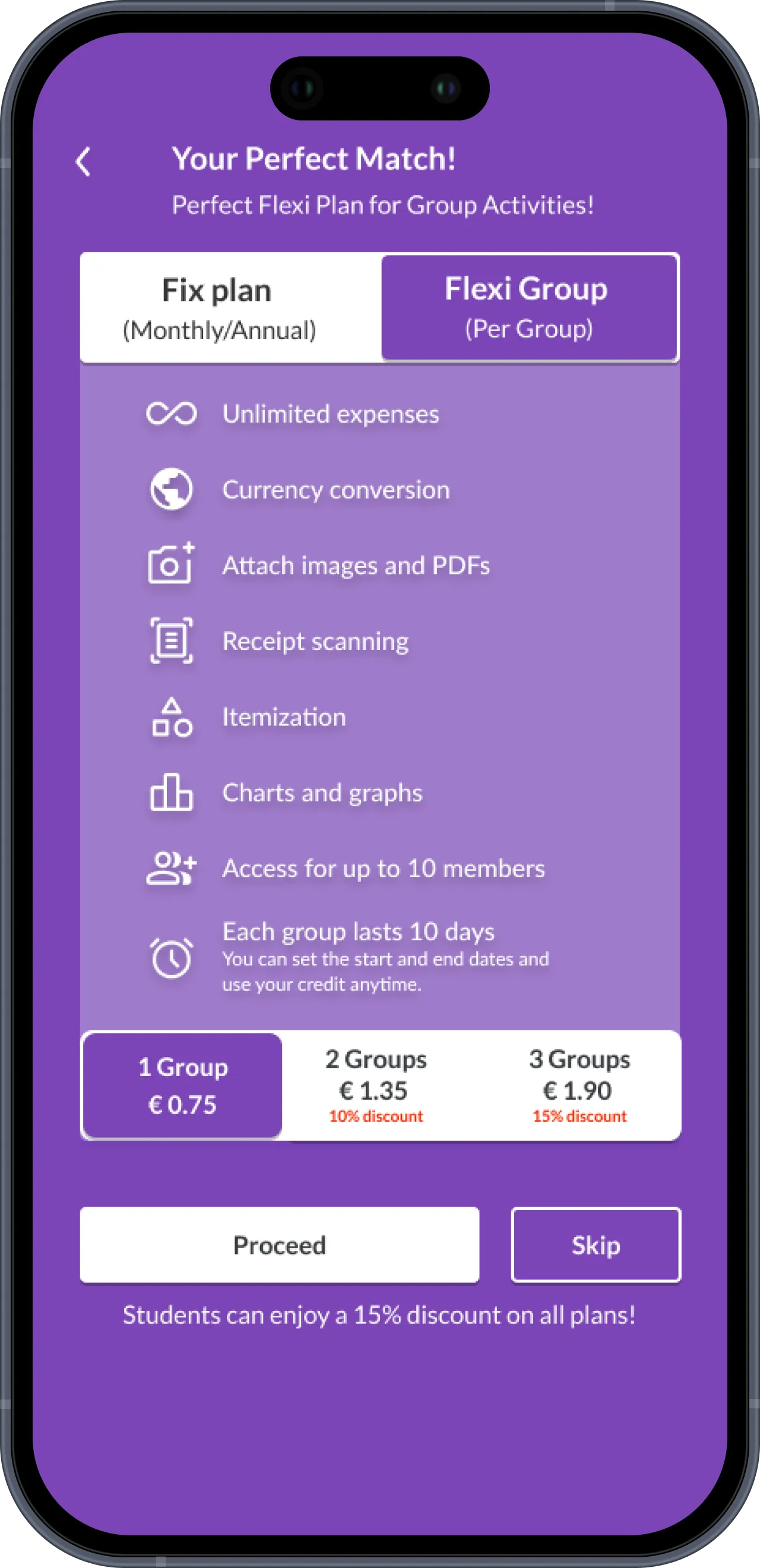
Clicking the Splitwise Pro button now reveals two options tailored to different needs: the Fixed Plan, with flexible monthly or annual payments for regular users, and the Flexi Group Plan, ideal for occasional use such as group trips, offering full access for up to 10 members in a single group for 10 days, with a customizable start date. The updated design highlights Splitwise Pro and the Referral Link in a streamlined layout, while preferences now include easy access to referral status and group credits.

Simplifying Reminder Setup

Payment status is now represented more clearly with a color-coded system—green for settled payments and orange for pending debts—paired with intuitive icons that indicate whether someone has cleared their balance or still owes money. To enhance clarity even further, a short message is displayed alongside each status.

Lessons

What we learned

This project showed how important clear value communication and context-related UX are for conversion. It was especially important to realise that persona-based onboarding concepts, transparent status displays, and reduced complexity boost trust and make people more willing to upgrade.